Workflow
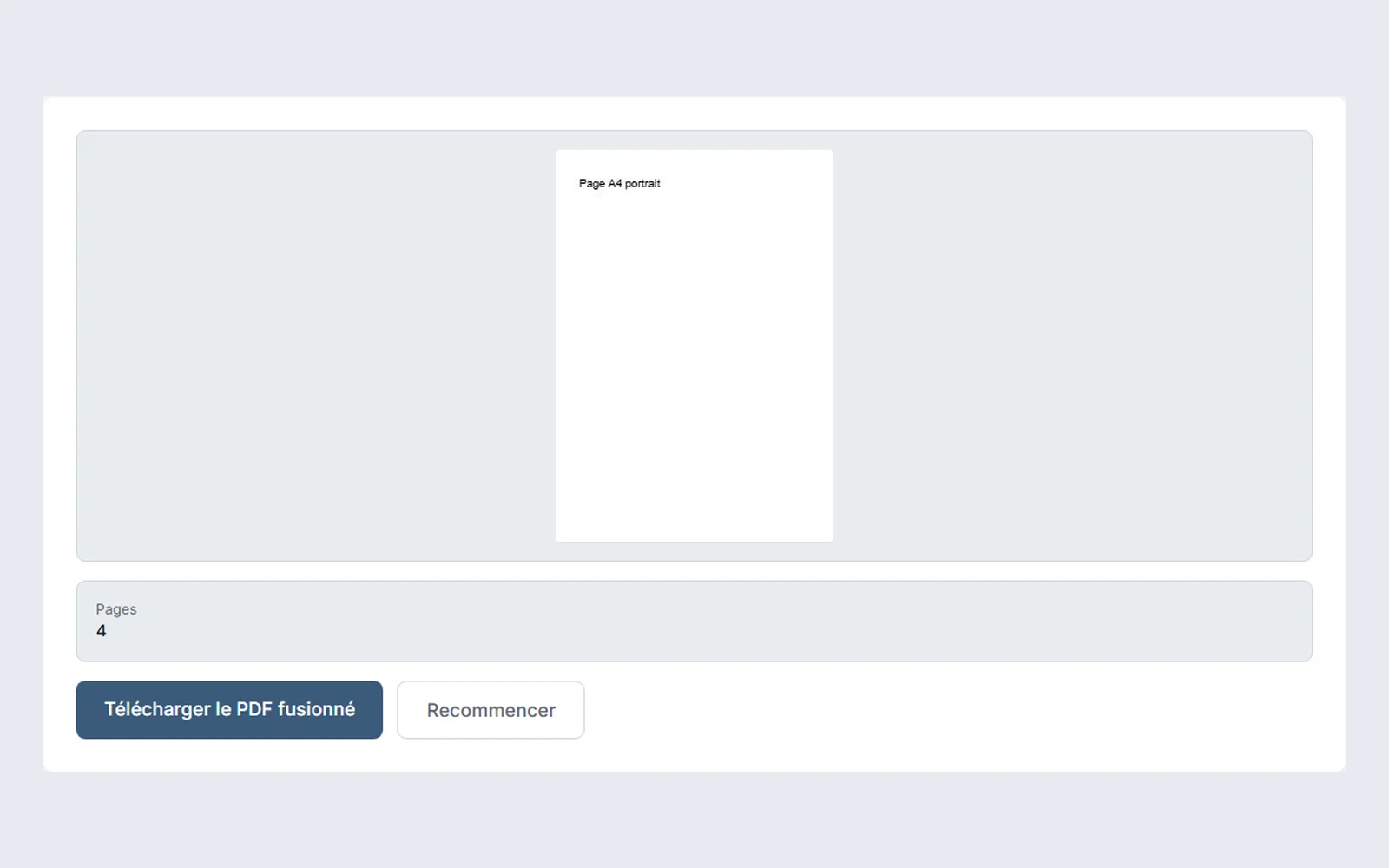
Merge PDFs in the right order
The order in which you add the files is the order of the merged document. Settings before merging, page sizes, weight, protected files and checks.
Updated October 27, 2026 · 2 min read
Practical explanations to choose a format, prepare a file or understand what a process changes.
Workflow
The order in which you add the files is the order of the merged document. Settings before merging, page sizes, weight, protected files and checks.
Updated October 27, 2026 · 2 min read

Trust and data
What protecting a PDF with a password does and does not do: requirements, encryption level, limits, and how to choose and pass on the password.
Updated October 27, 2026 · 2 min read
Trust and data
Updated October 27, 2026 · 4 min read
Trust and data
Updated October 27, 2026 · 4 min read
Performance and limits
Updated October 27, 2026 · 3 min read
Trust and data
Updated October 27, 2026 · 4 min read
Trust and data
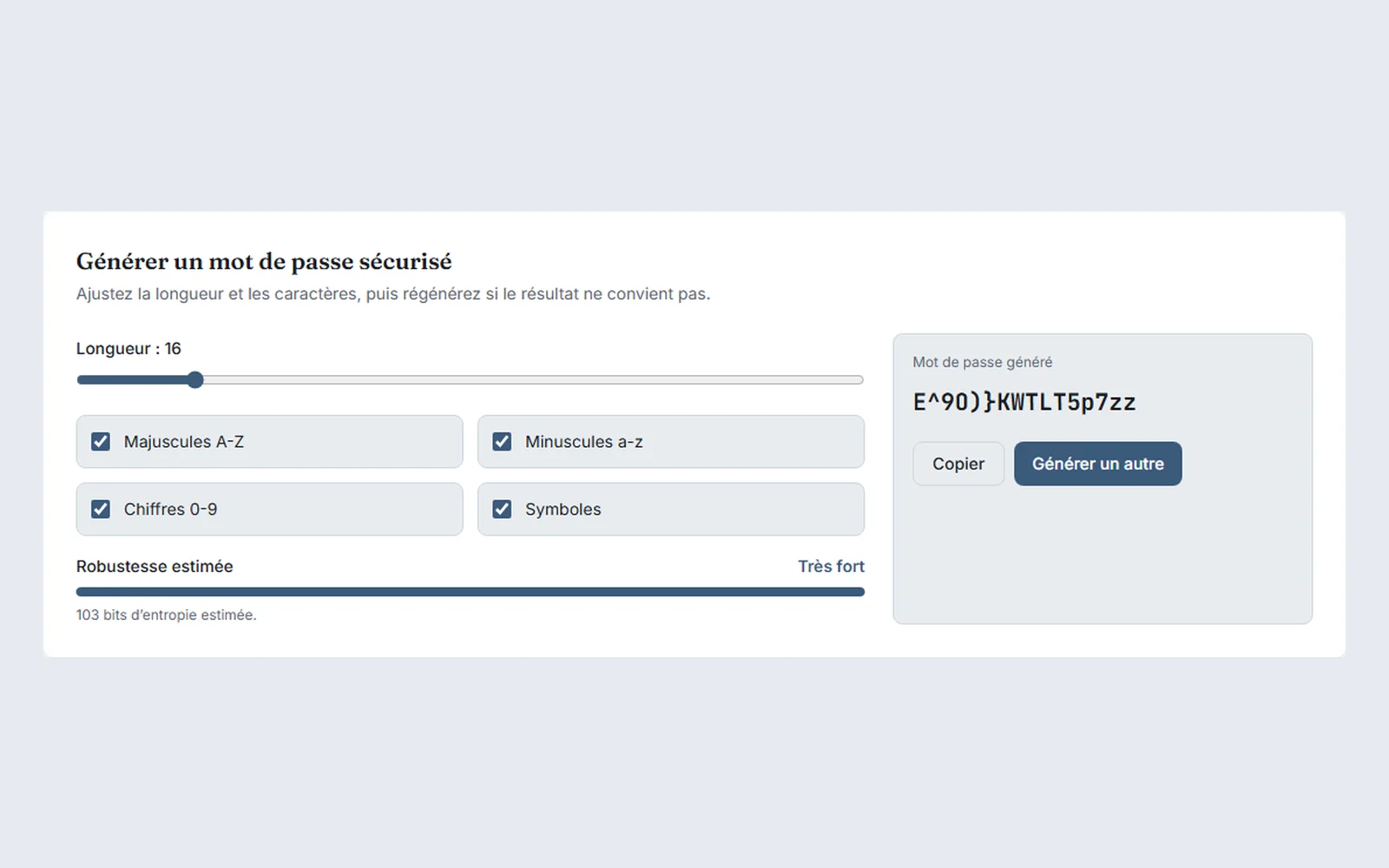
Length, character families, randomness: what makes a password strong, how to generate one without sending it anywhere, and how to keep it.
Updated October 22, 2026 · 2 min read
Workflow
Updated October 21, 2026 · 3 min read
Workflow
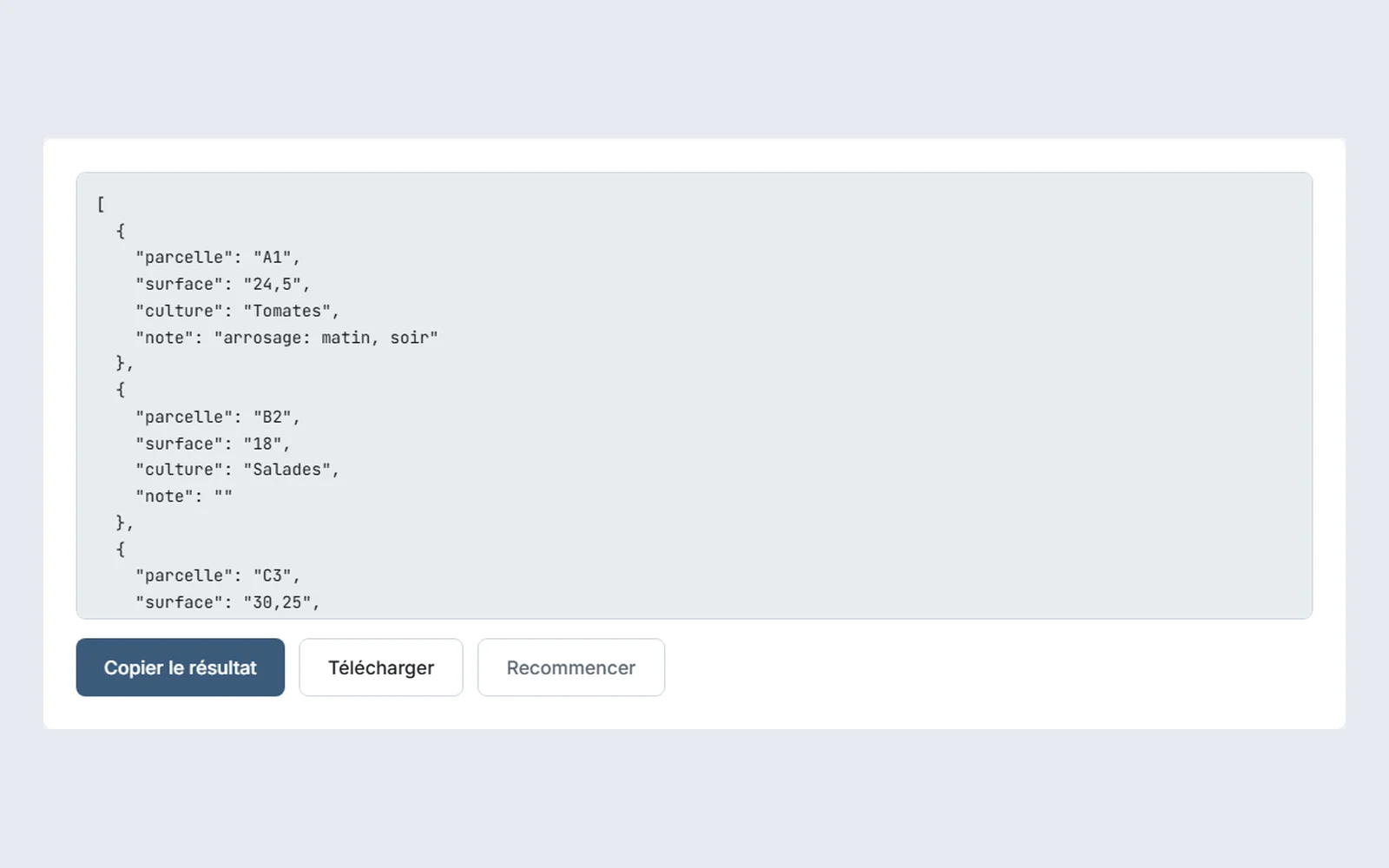
Separator, quotation marks, numbers and empty fields: the points that cause trouble when you convert a CSV to JSON, and how to check them.
Updated October 20, 2026 · 2 min read
Performance and limits
Updated October 20, 2026 · 3 min read
Performance and limits
Updated October 19, 2026 · 3 min read
Trust and data
Two checks within everyone's reach to know whether an online tool sends your files to a server: the browser's Network tab and cutting the connection.
Updated October 16, 2026 · 3 min read
Workflow
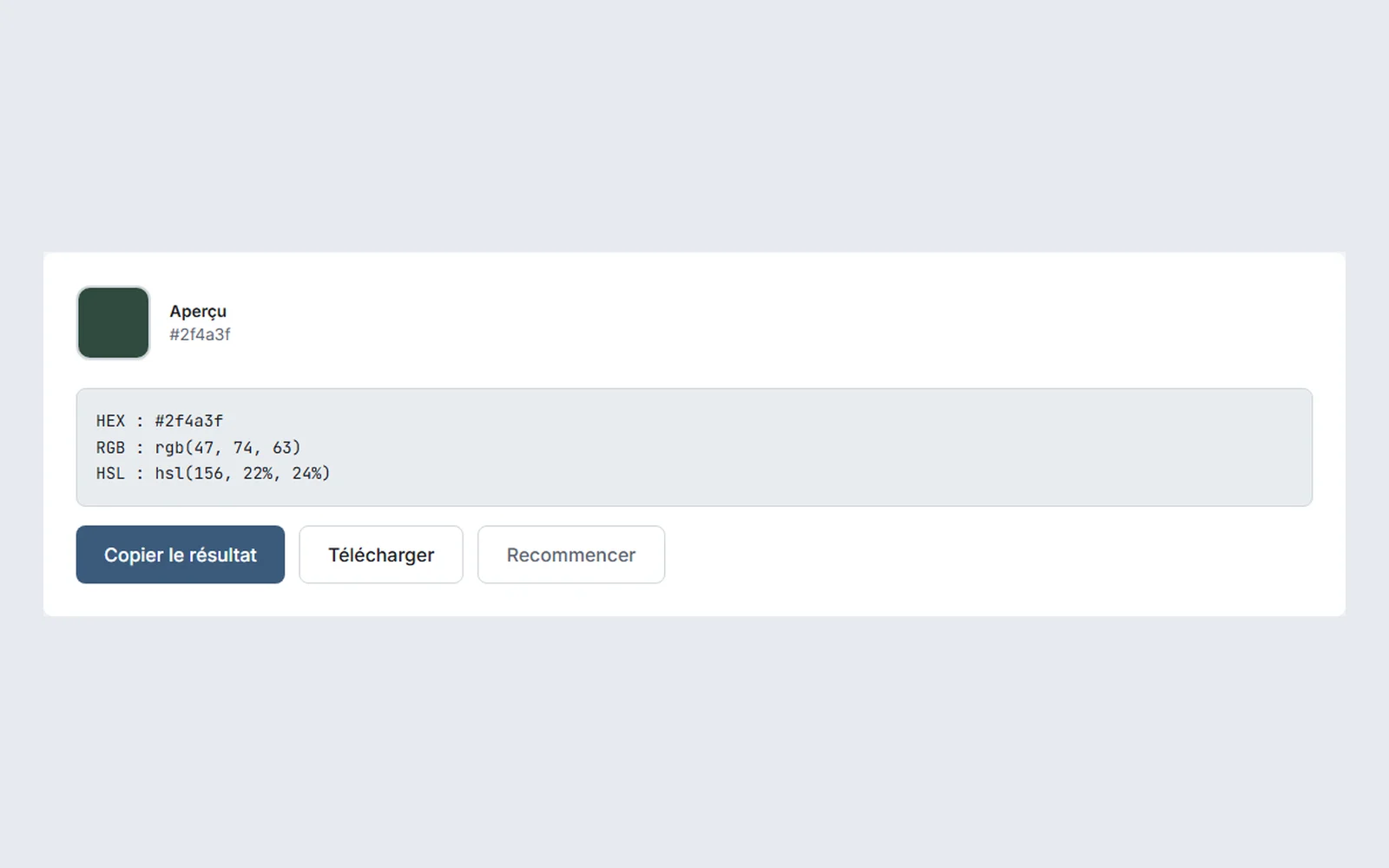
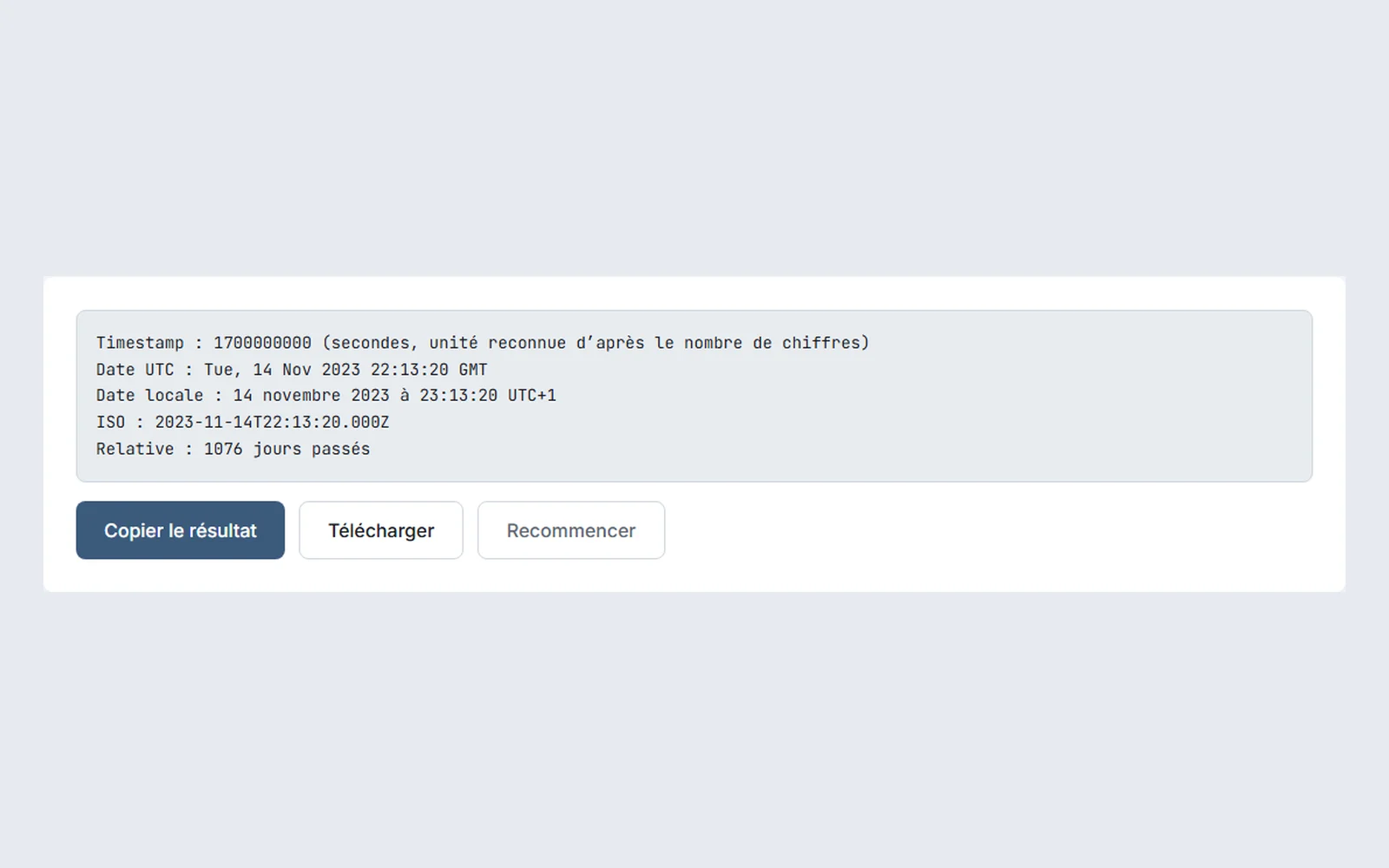
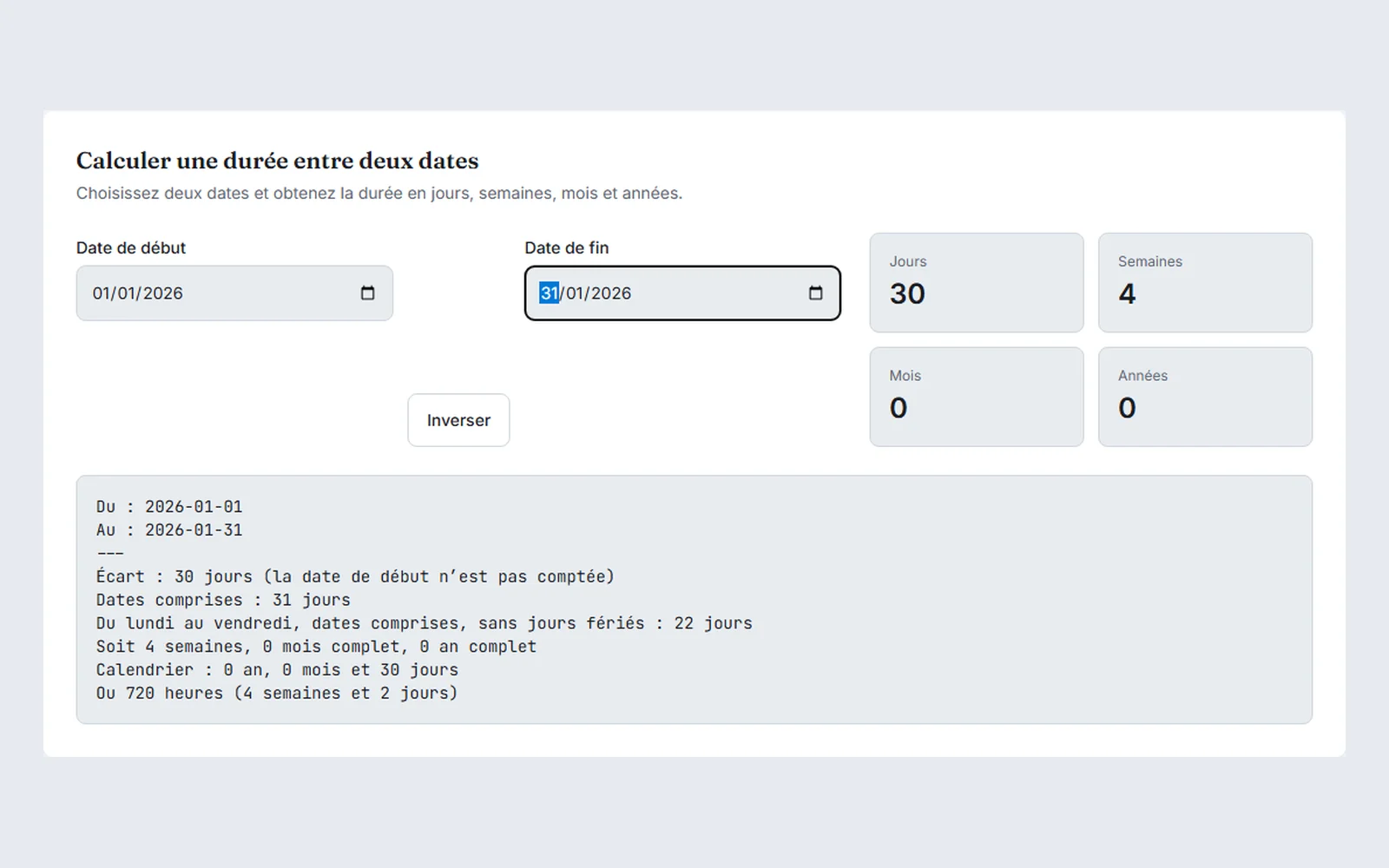
Gap, dates included, working days: three ways of counting the same interval, and the traps of months, leap years and the clock change.
Updated October 14, 2026 · 3 min read
Trust and data
Updated October 12, 2026 · 2 min read
Trust and data
Updated October 11, 2026 · 3 min read
Workflow
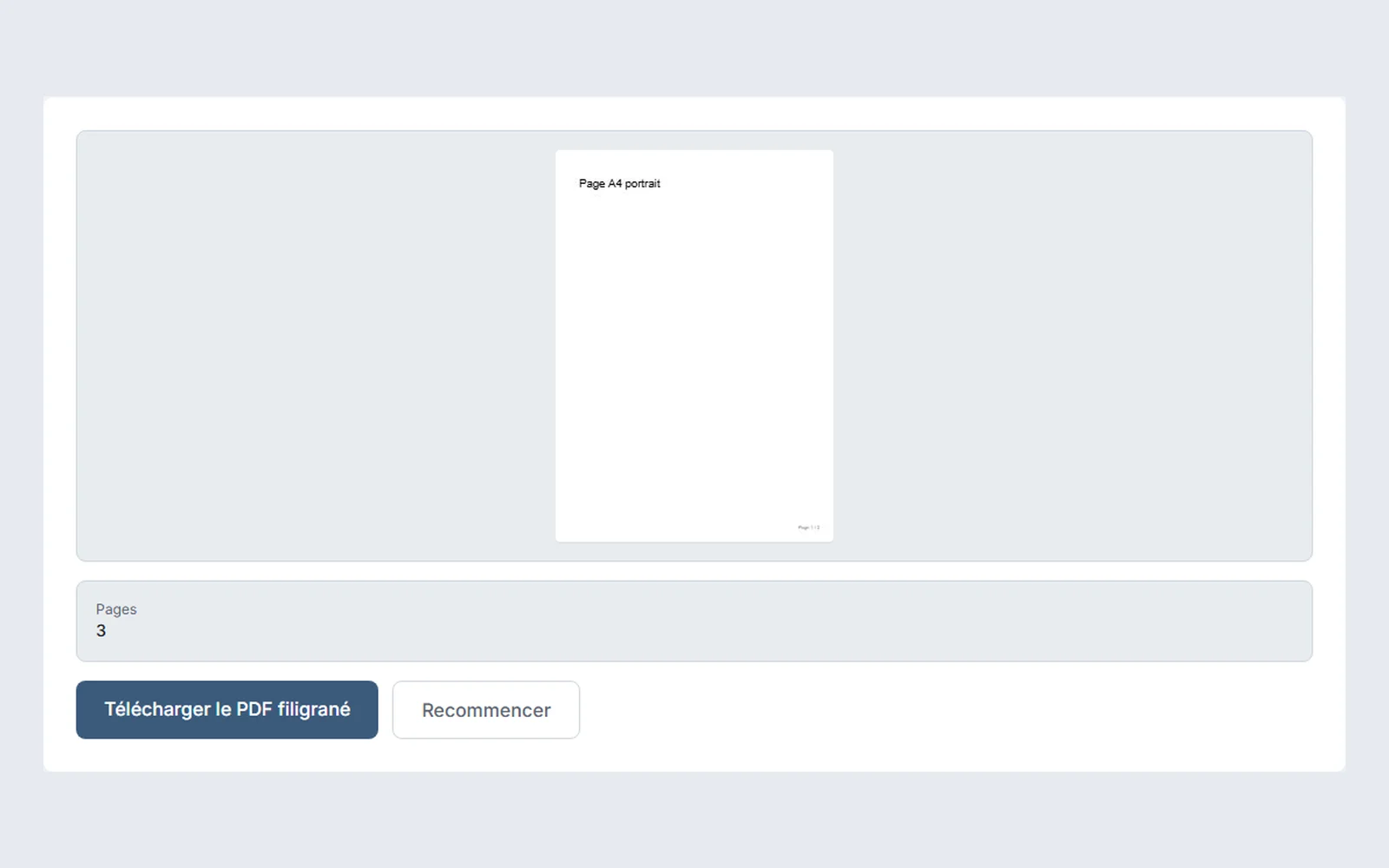
Area, alignment, format and first number to number a PDF, page range, free or tiled text watermark, opacity and legibility of the document.
Updated October 9, 2026 · 3 min read

Quality and formats
MP3, AAC, OGG or FLAC for a voice: the weight of each format, what volume normalization changes, and why to avoid compressing the same recording several times.
Updated October 6, 2026 · 2 min read
Quality and formats
Updated October 1, 2026 · 2 min read
Quality and formats
Updated September 30, 2026 · 2 min read

Workflow
To get an image at a precise format without distorting it: the order to follow, what the fit settings do, enlarging and choosing the output format.
Updated September 28, 2026 · 2 min read

Quality and formats
Updated September 26, 2026 · 3 min read

Quality and formats
JPG, PNG, WebP or AVIF: the right format depends on what the image shows. Weight of each format on a photograph, a screenshot and a logo, and when to avoid each.
Updated September 22, 2026 · 2 min read
Workflow
Updated September 14, 2026 · 2 min read
Workflow
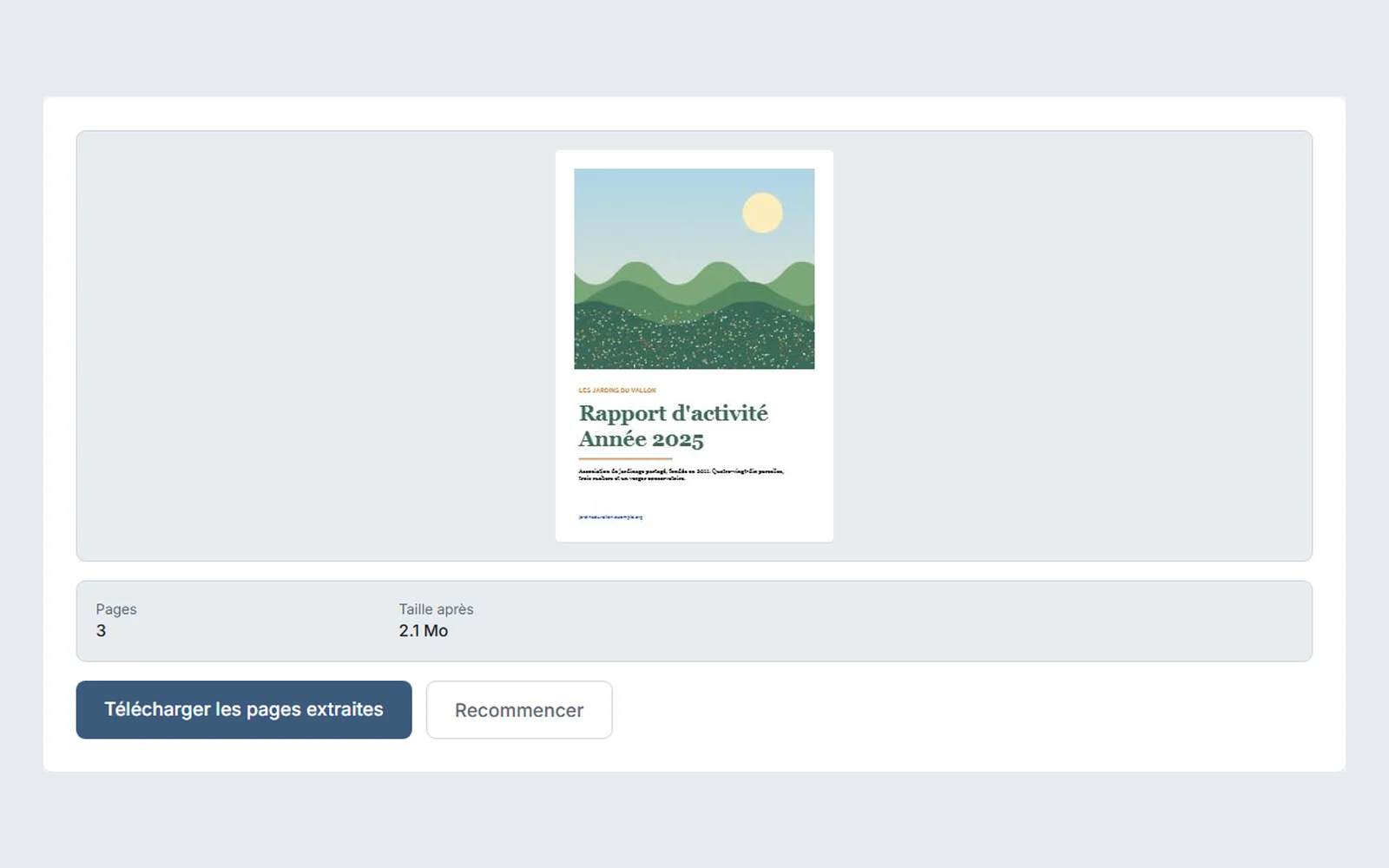
Delete, extract or split: three neighboring actions on a PDF. Which to choose depending on what you keep, how to write the pages and what the result keeps.
Updated September 6, 2026 · 2 min read