
Choose the compression level of a PDF
Published · Updated 3 min read
The Compress PDF tool offers three levels. On the same file, they give very different weights, and the lightest is not always the one you need. Understanding what each level changes lets you choose instead of guessing.
What the level changes
The level decides the definition of the photographs and images in the document. The text, the links and the drawings are not touched. The tool offers three presets, Low (min size), Medium (balanced) and High (max quality), as well as a quality slider from 10 to 100 to fine-tune. The processing happens in your browser, for files up to 100 MB.
The same report at the three levels
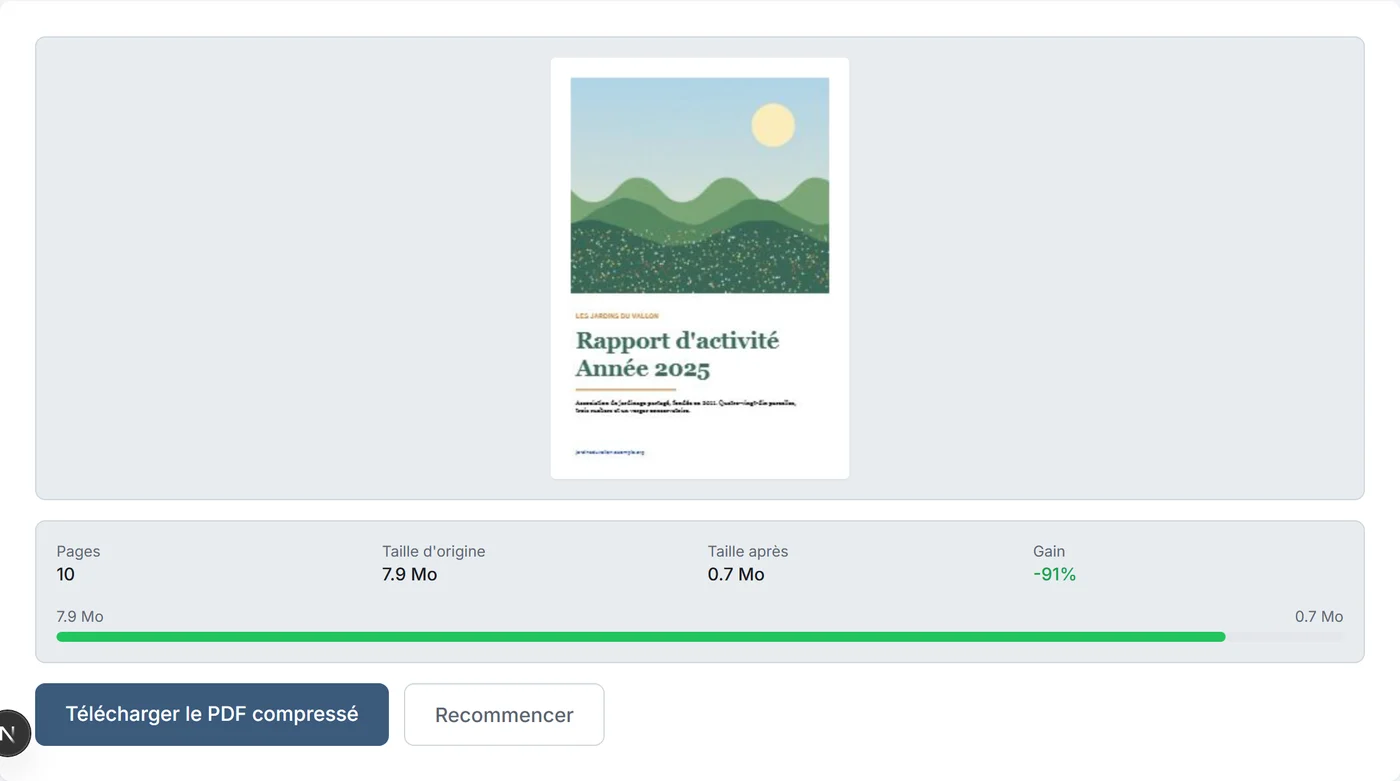
Take an annual report of ten pages, weighing 7.9 MB, with text, a chart, a link and nine photographs 2,000 pixels wide.
| Level | Cover photograph | Weight after | Gain |
|---|---|---|---|
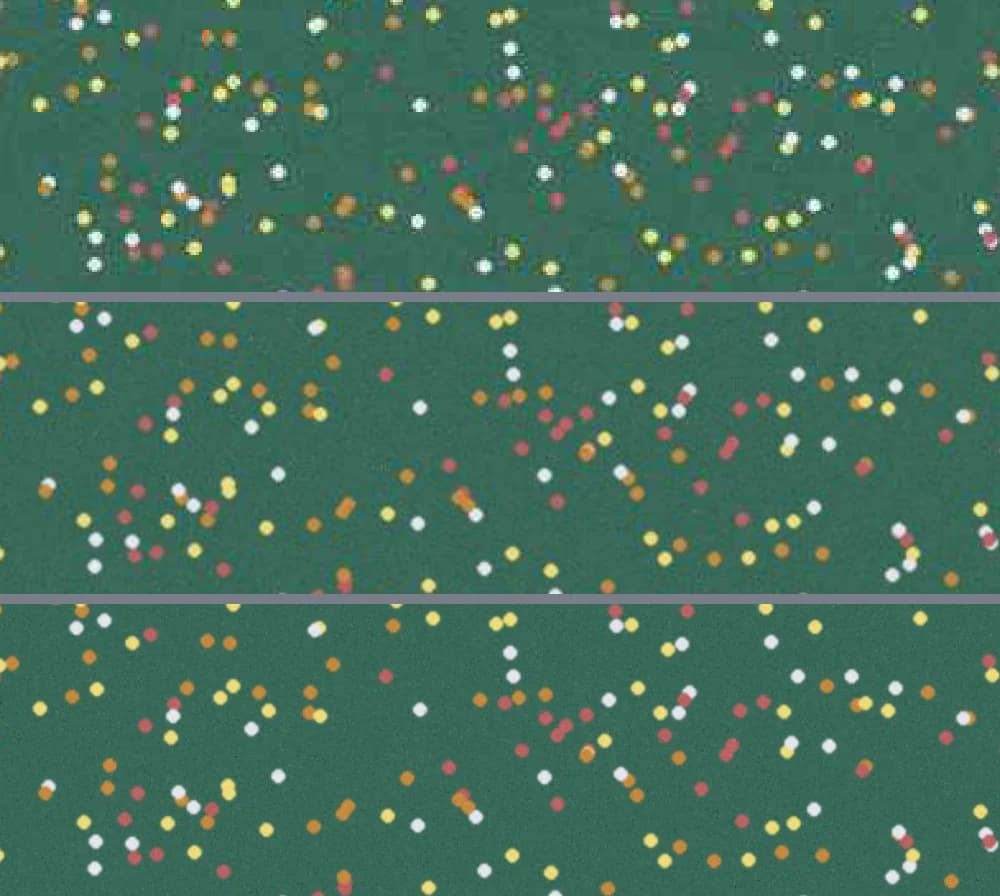
| Low (min size) | 842 × 703 pixels | 0,3 MB | 96 % |
| Medium (balanced) | 1,123 × 937 pixels | 0,7 MB | 91 % |
| High (max quality) | 1,754 × 1,464 pixels | 3,8 MB | 52 % |
What you see on screen
At the Low level, the fine details of the photographs soften: on the cover, the small flowers of the field become blurry as soon as you enlarge the page. At the Medium level, the image keeps its details, even enlarged. The High level keeps it almost identical, for a file more than five times heavier.
What happens to the text
At all three levels, the text of the report stays text: it can be selected and searched. The link on the cover stays active and the chart keeps its sharp lines. Only the images are recompressed. A scanned document, made only of page images, has no text to keep: its pages are images, and compression reduces their definition in the same way.
When the weight does not drop
A PDF that contains only text already weighs very little, and compression changes almost nothing: a five-page document of text alone goes from about 4.2 to 3.4 KB. Images in CMYK colors, those used for professional printing, are not recompressed: if the document's weight comes from them, it drops little.
For which documents
An illustrated report to send by email, a folder of scans to upload to a portal, a catalog that is too heavy: the compression level sets the definition of the images, never that of the text.
Check before sending
- Keep the original.
- Open several pages of the result, especially those that show photographs up close.
- Compare the resulting weight with the starting one.
Frequently asked questions
- Does compression damage the text of the PDF?
- No. The text stays text, it can be selected and searched. The links stay active. Only the images are recompressed.
- Which compression level should you choose?
- Medium for most sendings, Low to get under a tight limit, High to keep photographs almost identical.
- Why is my PDF not getting lighter?
- A text-only PDF already weighs very little, and CMYK images are not recompressed. If the weight comes from them, it drops little.
- Is the file sent to be compressed?
- No, the processing happens in your browser, for files up to 100 MB.