
Send a PDF that is too heavy by email
Published · Updated 3 min read
Gmail and Outlook.com refuse a message that goes over 25 MB. When a PDF is too heavy, four steps follow one another: remove pages, lighten the images, split in two if necessary, then check the result.
What the mail service accepts
Gmail accepts 25 MB when sending for a personal account. Beyond that, it removes the attachment and replaces it with a Drive link. Outlook.com limits the whole message, text included, to 25 MB. An attachment is encoded for mail, which makes it about a third bigger: a 20 MB PDF can already be refused. And the mailbox of the person receiving it may have a lower limit than yours.
What weighs in the file
Take a ten-page report weighing 7.9 MB. Nine pages carry a photograph, only one does not. It is these images that make the weight: a five-page document with no image at all weighs about 4 KB. Before reducing anything, spot the pages that show photographs.
Remove what was not asked for
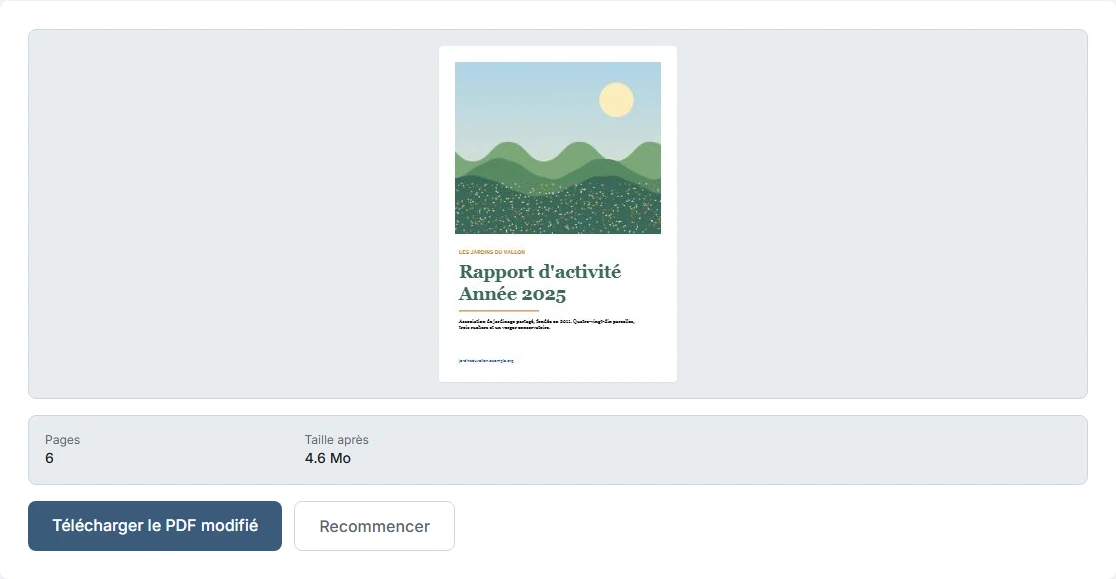
An appendix, a cover page or a series of presentation photographs sometimes do not have to go. With Delete pages, enter the numbers to remove, for example 2,4,6,8. The report goes from 10 to 6 pages and from 7.9 MB to 4.6 MB, 42% less, without touching the pages that remain. The original file is not modified.
Lighten the images
On the six remaining pages, Compress PDF gives 0.2 MB at the Low level, 0.5 MB at the Medium level and 2.2 MB at the High level. The text and the links stay active. The guide Choose the compression level of a PDF explains what each level changes on screen.
| Step | Pages | Weight |
|---|---|---|
| Original file | 10 | 7,9 MB |
| After deleting 4 pages | 6 | 4,6 MB |
| Then Low compression | 6 | 0,2 MB |
| Then Medium compression | 6 | 0,5 MB |
| Then High compression | 6 | 2,2 MB |
Split in two sendings
If the file is still too big, Split a PDF separates it into several files. By entering 1-5,6-10, you get two PDFs in a ZIP archive: pages 1 to 5 weigh 3.7 MB, pages 6 to 10 weigh 4.3 MB. Each part is a complete PDF that can be opened on its own.
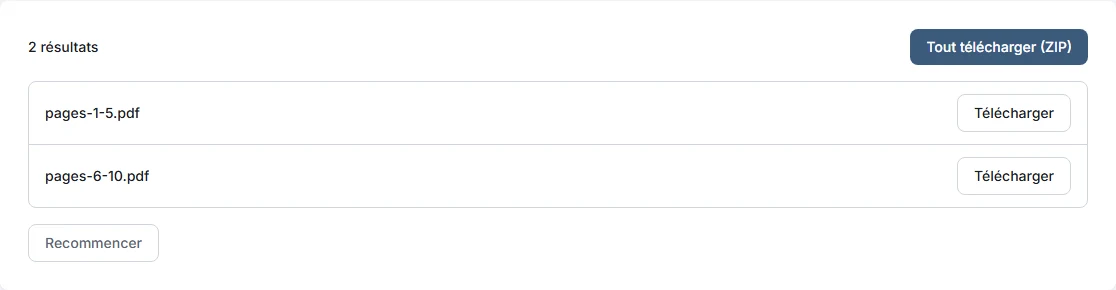
The total, 8.0 MB, stays close to the original: cutting reduces nothing, it spreads the weight. Number the two messages and tell the person in which order to read them.
For which mail services
Gmail and Outlook.com refuse messages over 25 MB, encoded attachment included. The recipient's mailbox may have a lower limit.
Check before sending
- Look at the weight of the file in your folder. To stay under 25 MB once encoded, aim for less than 18 MB per message.
- Open the resulting PDF and go through all the pages: sharp photographs, legible text.
- Click a link if there is one.
- Count the pages.
- Keep the original.
Frequently asked questions
- What is the limit of a Gmail attachment?
- 25 MB when sending for a personal account. Beyond that, Gmail replaces the attachment with a Drive link.
- Why is a 20 MB PDF refused?
- An attachment is encoded for mail, which makes it about a third bigger. Aim for less than 18 MB per message.
- What if the PDF is still too big?
- Remove the useless pages, lighten the images, then split the document into several sendings.
- Does splitting a PDF reduce its weight?
- No, it spreads the weight over several files.