
Convert a PDF to images, PNG, JPG or WebP
Published · Updated 2 min read
Turning a PDF page into an image is useful for inserting it in a presentation, publishing it on a site, sending it through a messaging app that does not open PDFs, or reworking a diagram. The image format you choose changes the weight of a page in a report by a factor of one to ten, which is worth deciding at the start.
What the tool gives
Each page of an A4 document becomes an image of about 1,190 by 1,684 pixels. If you ask for a single page, you receive the image directly. If you ask for several, you receive a ZIP archive containing one image per page, named page-1, page-2 and so on. To indicate the pages, write "all" for all of them, a number for one, or a selection such as 1,3,5-7.
The same content in three formats
The weight of two pages of the same report varies a lot with the format.
| Page | PNG | JPG | WebP |
|---|---|---|---|
| Text and photograph | 1,0 MB | 189 KB | 110 KB |
| Chart | 118 KB | 75 KB | 35 KB |
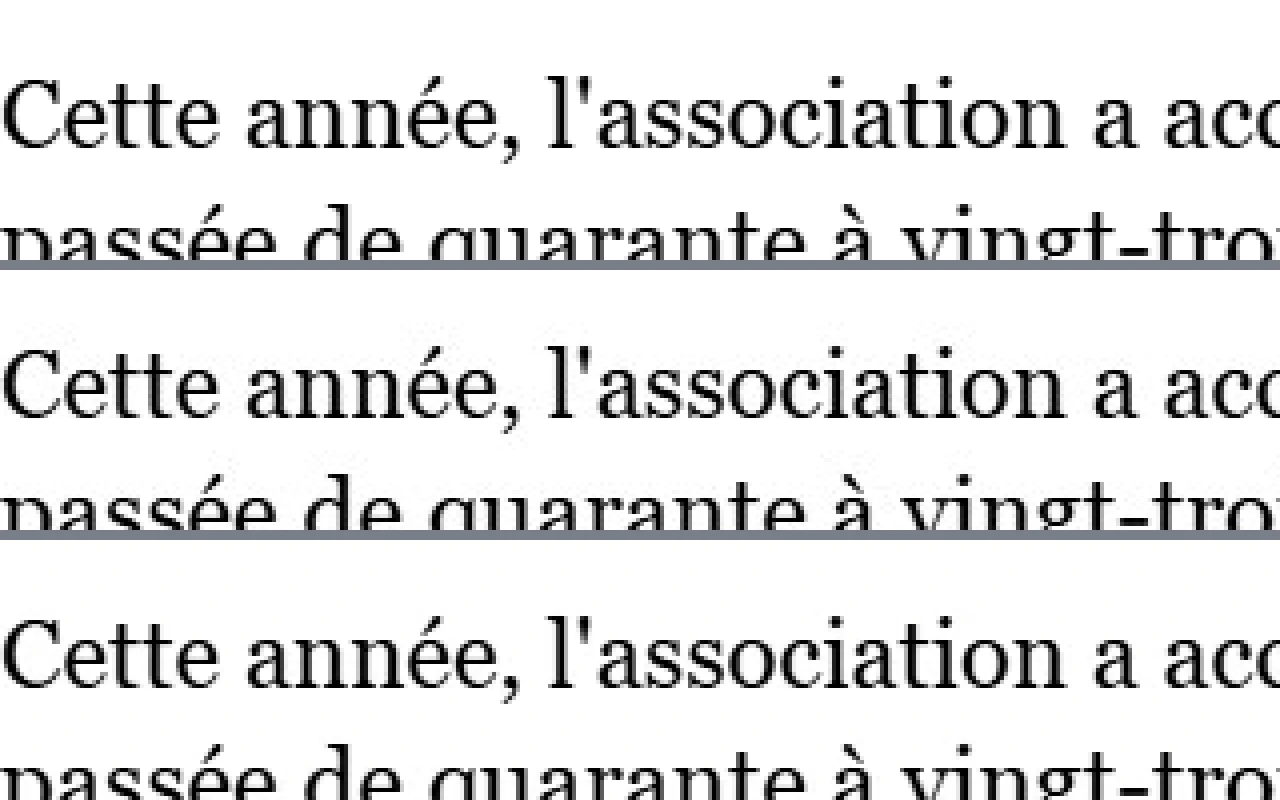
With the default settings, the difference is barely visible, even when you enlarge the text a lot.
Choosing by use
- PNG loses nothing: choose it for diagrams, tables or screenshots whose outlines must stay exact.
- JPG suits photographs and scanned pages, and it plays everywhere.
- WebP is the lightest in these examples, and it suits web pages and galleries.
How many pages
The weight adds up quickly. All the pages of the report as JPG weigh about 1.8 MB in total, whereas as PNG the single page with a photograph already weighs 1.0. On a long document, PNG becomes very heavy: keep it for the pages that need it.
For which needs
Inserting a page in a presentation, publishing a page on a site, sending an extract through a messaging app that does not open PDFs, or reworking a diagram in an image program.
Check the result
- Open the image and zoom in on the smallest text.
- Compare the resulting weight with the intended use.
- Keep the original PDF.
Frequently asked questions
- Which format should you choose, PNG, JPG or WebP?
- PNG for diagrams and screenshots with sharp outlines, JPG for photographs and scans, WebP for the web and galleries, where it is the lightest.
- How do you convert only some pages?
- Indicate the pages by a number or a selection such as 1,3,5-7. "all" converts all the pages.
- What do you receive for several pages?
- A ZIP archive with one image per page, named page-1, page-2 and so on.
- Why is PNG so heavy?
- It loses no detail, which quickly adds weight on a photograph page. On a long document, keep it for the pages that need it.